

I’ve used a lot of mics, but this one is probably the best value out there! 🎤 The DJI Mic Mini 2 TX + 1 RX bundle gives you two transmitters and a receiver, plus the ability to manually adjust gain in decibels (dB). And it has magnetic attachments for your shirt, so you don’t need to crumple your clothes just to get a microphone in position.
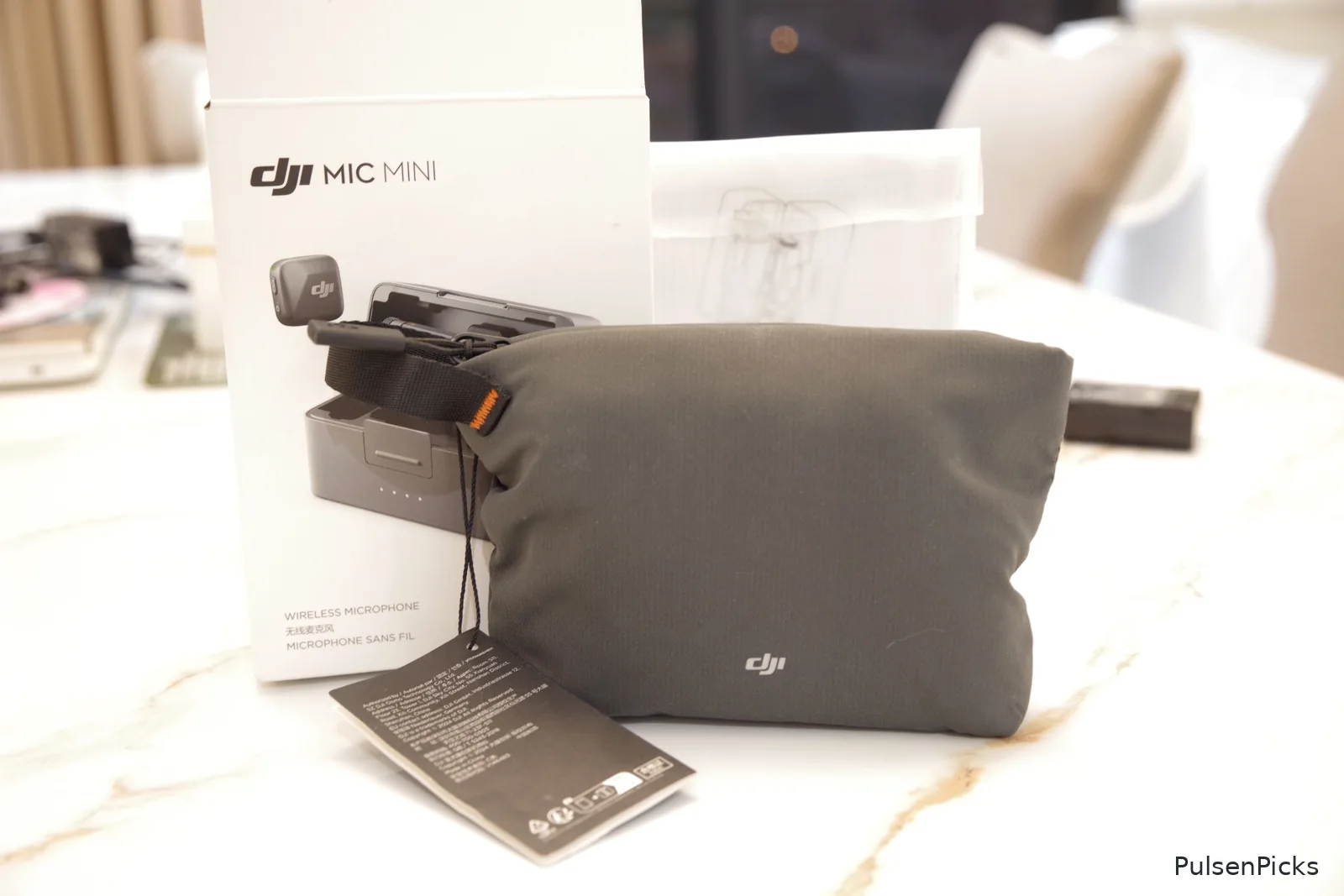
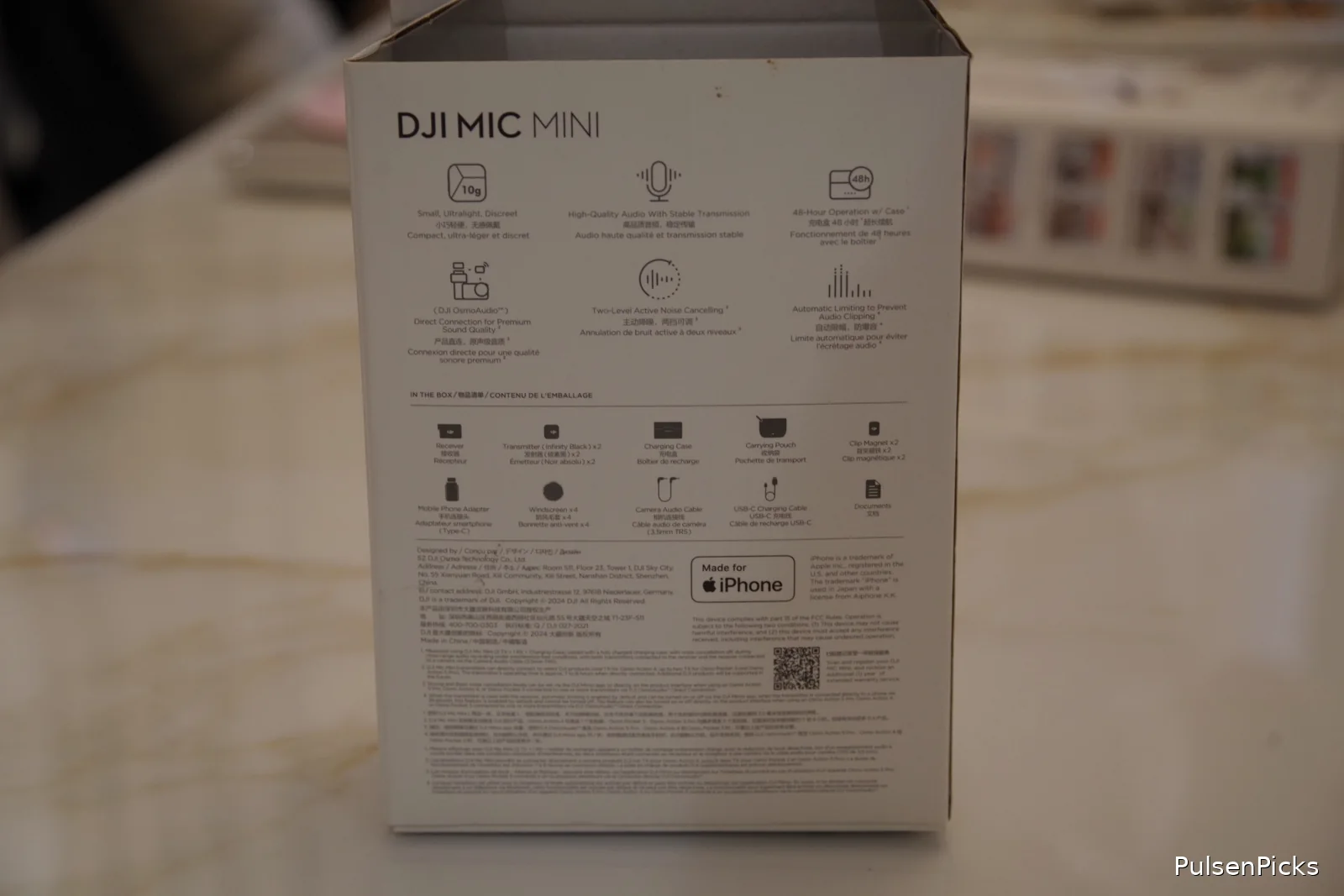
It also comes with those fluffy wind covers—properly called windscreens, or sometimes “deadcats” 🐱🌬️—to help cut wind noise outdoors. And the packaging? Immaculate. Everything was neatly arranged and presented. That’s a great first impression for a compact wireless microphone system.
If you’re making YouTube videos, product reviews, interviews, or travel content, here’s what I like, what I don’t, and how to connect the DJI Mic Mini to different devices.
Affiliate disclosure: This post includes Amazon and Shopee affiliate links. I may earn a commission if you purchase through them, at no extra cost to you. Ratings reflect my personal assessment; battery-life figures are manufacturer estimates, not my measured endurance tests.
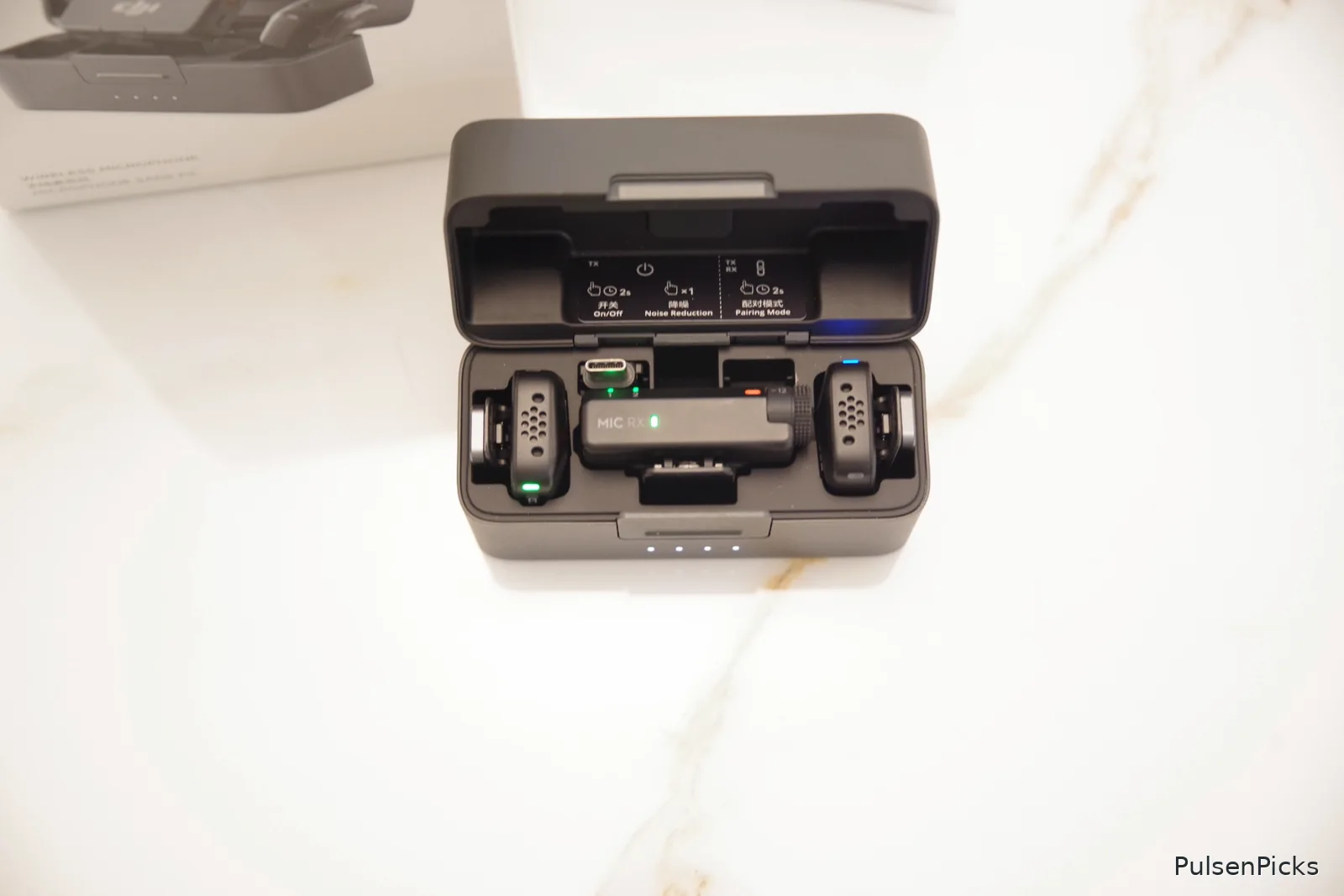
🏆 Quick Verdict: 4.7/5
The DJI Mic Mini delivers a lot of convenience in a tiny package: two-person recording, a lightweight magnetic design, manual receiver gain control, windscreens, noise cancellation, and flexible connectivity. The biggest compromises are no internal audio recording and no receiver display. For typical everyday content creation, I think it’s a very strong value.
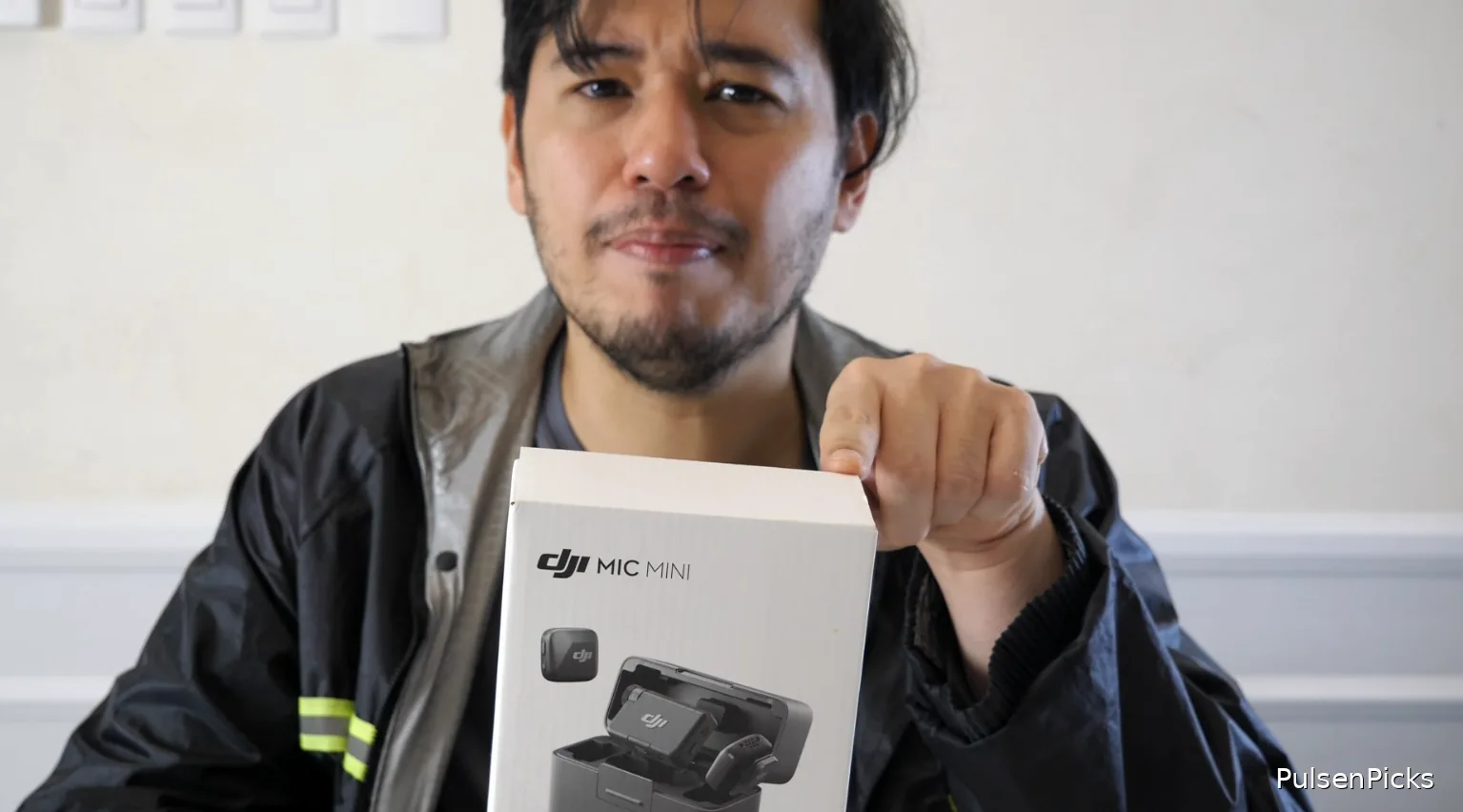
📦 What’s in the Box?
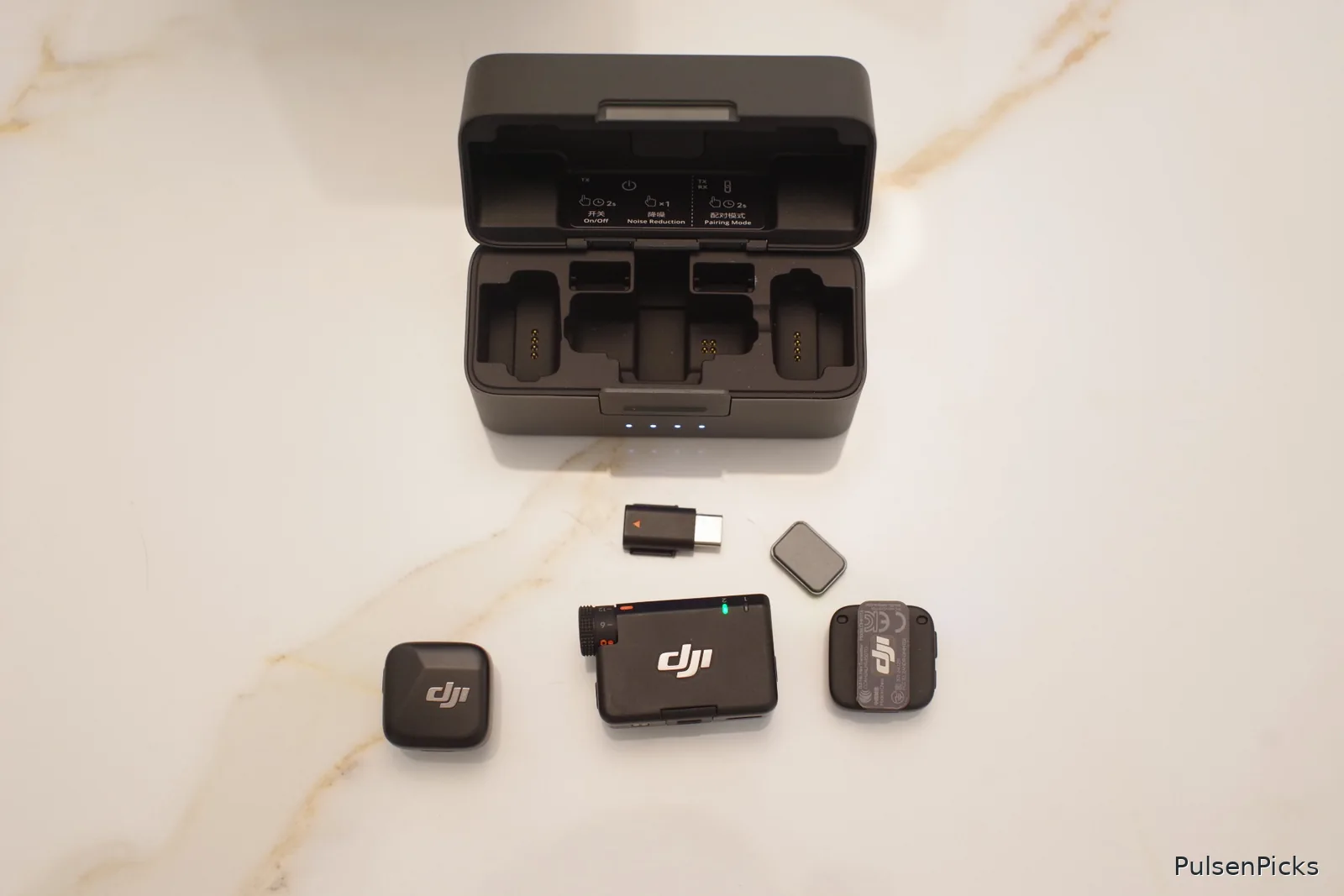
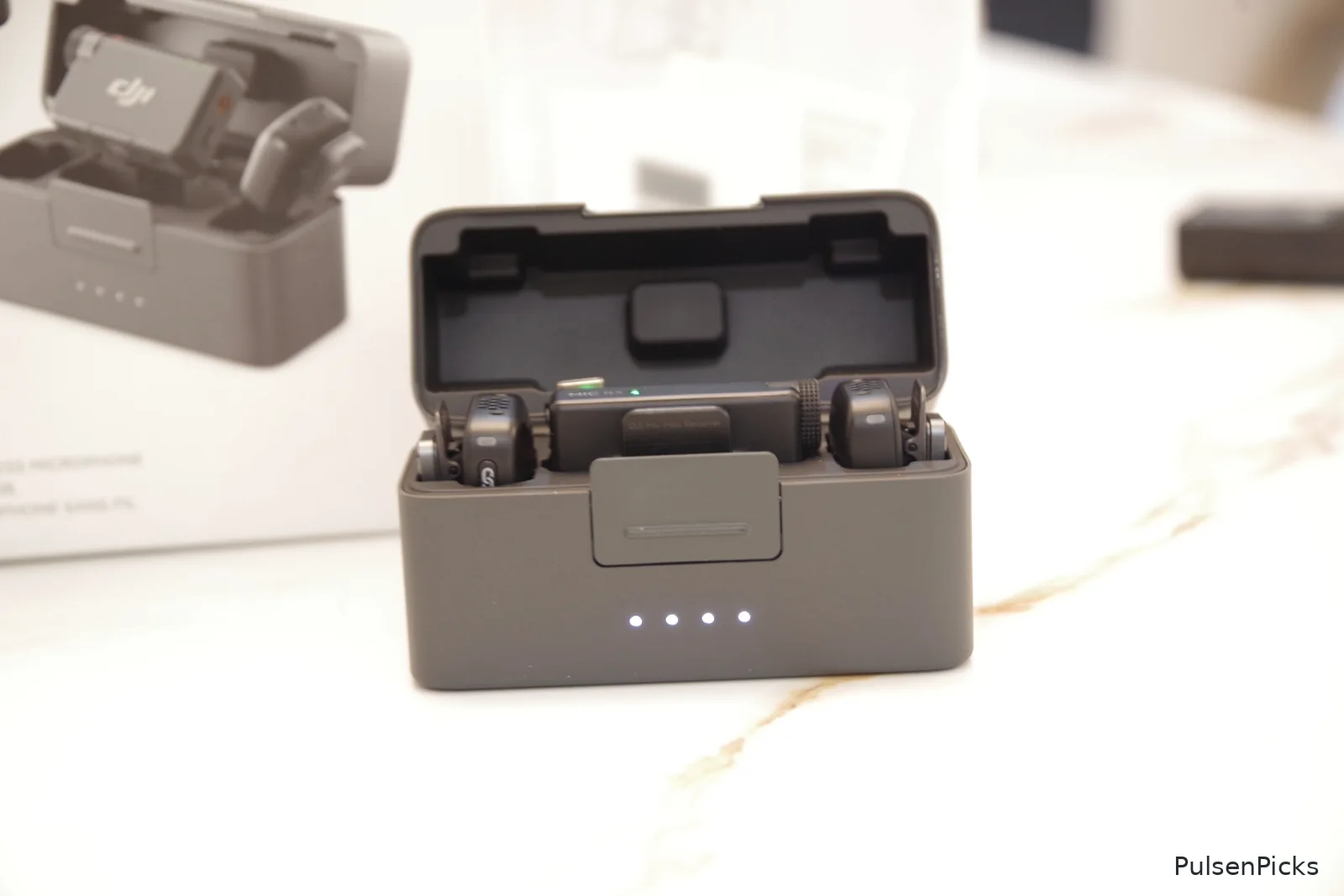
For this review I’m discussing the two-transmitter, one-receiver (2 TX + 1 RX) bundle. The transmitters are small and discreet, and the package includes magnetic attachment accessories and wind protection. Check the exact listing’s contents before ordering: charging cases, adapters, and some accessories differ between bundles. A single-transmitter kit is not the same package.
✅ Pros: What I Like
🎙️ 1. Two Transmitters and One Receiver
With two transmitters, recording a conversation or interview is easier. If you make videos with a guest, you don’t need to pass one microphone back and forth. That makes the DJI Mic Mini especially practical for interviews, collaborative videos, and on-location reviews.
🎚️ 2. Physical, Manual Gain Adjustment
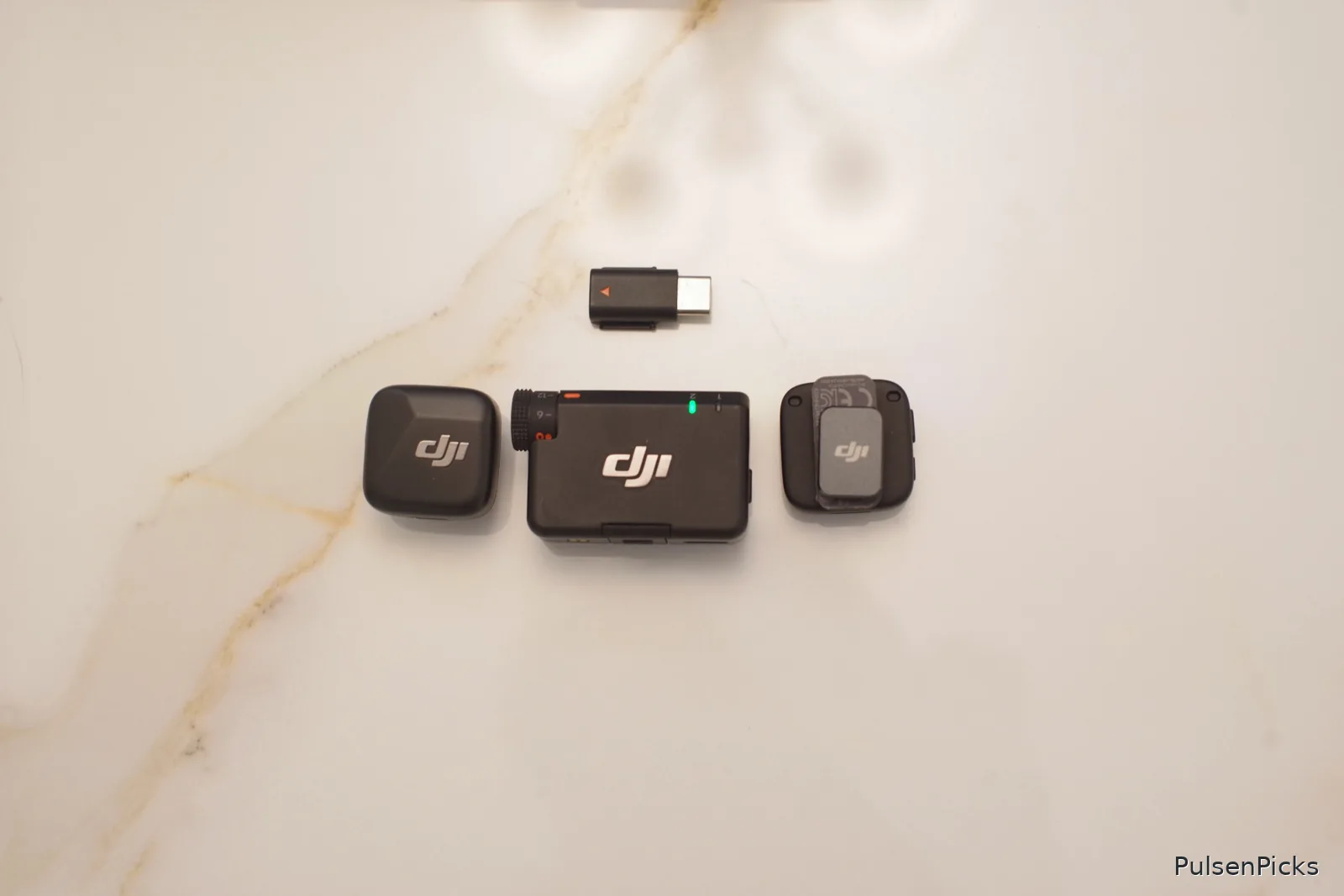
I appreciate being able to adjust receiver output gain manually in dB using its dial. It’s a practical option when people have different speaking volumes. You still need to check your camera or recorder’s levels—turning a dial doesn’t automatically fix every noisy or clipped recording.
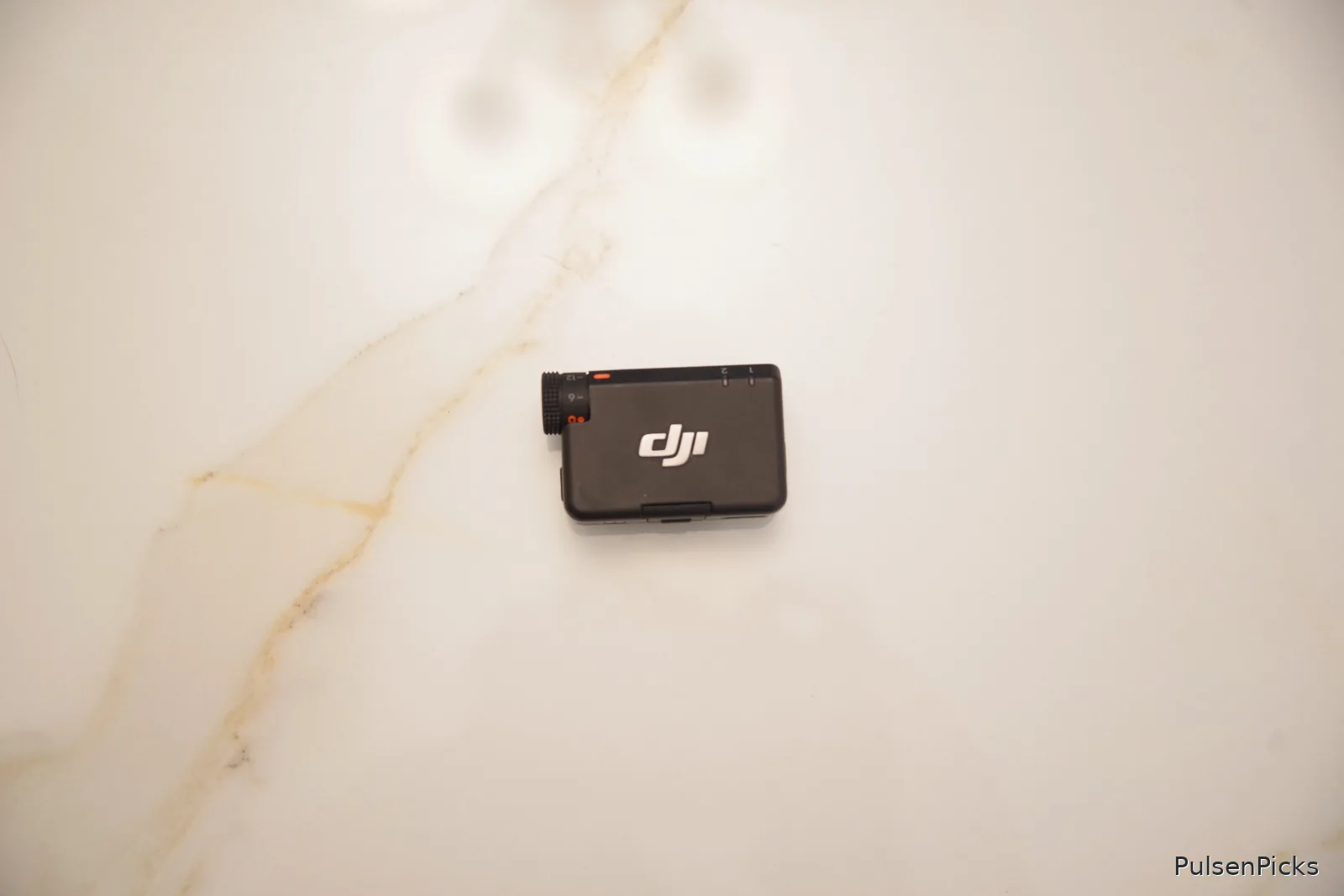
🧲 3. Magnetic Shirt Attachment
This is one of the most convenient details. You don’t have to tightly clip a chunky device onto the collar and leave the fabric crumpled. The magnet lets you place the transmitter more discreetly, while the regular clip is there when that’s easier.
🪶 4. Tiny, Lightweight Transmitters
Each transmitter weighs about 10 grams, according to DJI. That is refreshingly light for on-camera work, especially if you’re walking around filming or talking for long periods.
🌬️ 5. Included Furry Windscreens
Those fuzzy covers aren’t just decoration. They help reduce wind hitting the microphone outdoors. For travel and street footage, that’s an accessory I’m glad to have in the box.
🔊 6. Noise Cancellation and Automatic Limiting
DJI provides Basic and Strong noise cancellation modes, along with automatic limiting to help control peaks. It’s useful to have these tools available, though heavy processing isn’t always desirable if you’re trying to capture the most natural voice sound.
🔋 7. Long Advertised Battery Life
DJI rates the transmitters for up to 11.5 hours and the receiver for up to 10.5 hours under its test conditions. The optional charging-case bundle extends total operating time through recharges. Your results will depend on usage, settings, and battery condition.
📱 8. Different Ways to Connect
The DJI Mic Mini can serve compatible cameras, phones, and computers using the proper connections. Certain DJI devices support direct wireless linking, too. It is flexible, but phone compatibility is something to check carefully.
🔌 How to Connect the DJI Wireless Microphone
📷 To a Sony, Panasonic, Canon, or Other Camera
- Turn on the receiver and both transmitters. Units sold together are generally paired out of the box.
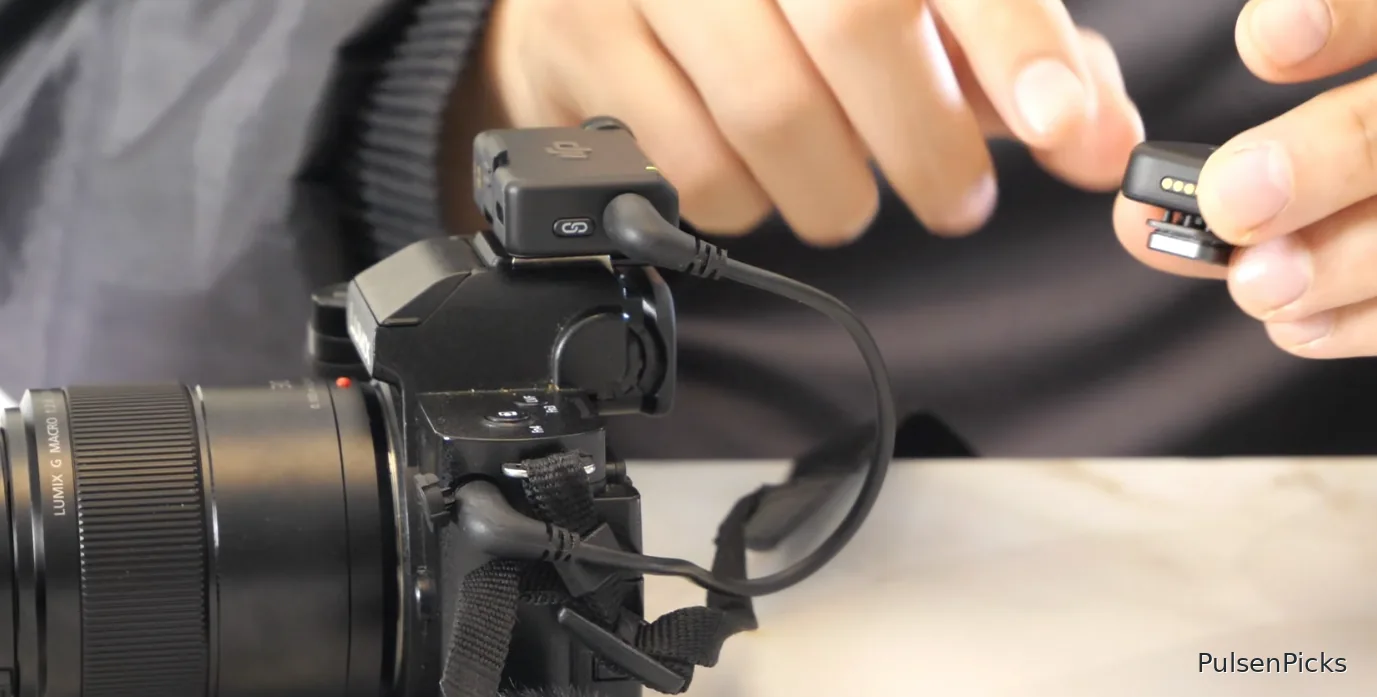
- Mount the receiver on the camera’s hot shoe or cold shoe.
- Connect the receiver’s 3.5mm output to the camera’s microphone input with the appropriate 3.5mm TRS cable.
- Choose the external microphone input on the camera, if required, and adjust recording levels.
- Set receiver gain and make a short test recording. Listen to playback before filming anything important.
Tip: A physical accessory shoe isn’t the same thing as a microphone input. Make sure your camera actually has a compatible mic jack.
📱 To an Android Phone or USB-C iPhone
- Attach the compatible USB-C phone adapter to the receiver.
- Plug the receiver into the phone and turn on the transmitters.
- Open an app that supports an external USB microphone.
- Record a sample and verify the phone selected the correct input.
🍎 To a Lightning iPhone
Use a compatible DJI Lightning phone adapter, which may be sold separately. Check the phone and adapter model before ordering.
📶 Direct Bluetooth Connection
Compatible phones can connect to a transmitter over Bluetooth without the receiver. However, direct Bluetooth mic input doesn’t work universally with every default camera or recording app. I would check app support before depending on it.
💻 To a Computer
Connect the receiver through a compatible USB connection, select it as your microphone in the computer’s audio settings or recording software, and test both channels before recording.
❌ Cons: What Could Be Better
💾 1. No Internal Recording
This is the biggest limitation. The transmitters don’t have their own onboard audio backup. If the wireless recording fails, you won’t have a separate recording inside the transmitter to recover.
🎚️ 2. No 32-Bit Float Internal Audio
Because it doesn’t record internally, you also don’t get the kind of 32-bit float onboard backup offered by some higher-end wireless systems. This matters most for unpredictable audio environments.
📺 3. No Receiver Display
You get a physical dial and indicators, but no screen for detailed audio levels or settings. If you’re used to a receiver with a display, it might feel a little basic.
🎧 4. No Dedicated Headphone-Monitoring Jack
Monitoring generally has to happen through your camera or the connected recording device.
🧲 5. Tiny Magnets Are Easy to Misplace
Magnetic mounting is convenient until a small magnet disappears—especially in a home where cats think anything small is a toy. 😂🐱
📱 6. Bluetooth App Support Is Inconsistent
Direct Bluetooth is handy on supported devices and apps, but the receiver is a more straightforward choice for many phone and camera workflows.
🎤 7. No External Lavalier Input
You can’t plug a separate wired lavalier mic into the transmitter. You’re using its built-in mic, which is fine for many creators but less flexible for certain professional setups.
⭐ PulseNPicks Ratings
| Category | Rating |
|---|---|
| 🎤 Audio features and performance potential | 4.6/5 |
| 🧲 Portability and wearing comfort | 5.0/5 |
| 🔋 Battery-life specification | 4.8/5 |
| 🔌 Connectivity and compatibility | 4.5/5 |
| 📦 Build, accessories, and packaging | 4.7/5 |
| 💰 Value for money | 4.9/5 |
| 🏆 Overall editorial rating | 4.7/5 |
Best for: vloggers, YouTubers, product reviewers, interviews, travel content, and everyday two-person recording. Biggest strength: compact convenience and features for the price. Biggest weakness: no backup recording in the transmitters.
🏁 Final Verdict: Is It Worth Buying?
For me, the DJI Mic Mini gets the important everyday details right: tiny transmitters, convenient magnetic attachment, an adjustable receiver, and the option to record two people with one kit.
It isn’t the right choice for every professional job. If missing one important recording would be disastrous, I’d strongly consider a microphone system with independent internal recording. But for normal content creation, this one makes an excellent case for itself.
PulseNPicks overall rating: ⭐ 4.7 out of 5 — Highly Recommended!
🛒 Where to Buy
🇺🇸 Amazon: Check the DJI Mic Mini 2 TX + 1 RX package on Amazon
🇵🇭 Shopee Philippines: Check price and availability on Shopee
Please compare the exact bundle contents and warranty before checkout; prices and included accessories can vary by seller.