
Affiliate disclosure: This post includes Amazon, Shopee and Lazada affiliate links. I may earn a commission if you purchase through them, at no extra cost to you. Observations reflect my personal assessment; battery-life figures are manufacturer estimates, not my measured endurance tests.
PULSENPICKS / FIELD NOTES
Field Notes: My Take
- BEST FOR
- Vloggers and interviewers who need a light two-person wireless kit.
- REVIEW BASIS
- Microphones, gain control, connection options, included accessories and ease of wearing; advertised battery figures were not independently endurance-tested.
- STANDOUT FEATURE
- Two tiny transmitters, magnetic attachment and hands-on gain control.
- TRADE-OFF
- No independent internal recording, headset monitoring or external lavalier input.
Where I stand: A very practical content-creation microphone kit, but not the best option when a missed recording is unacceptable.
Quick verdict
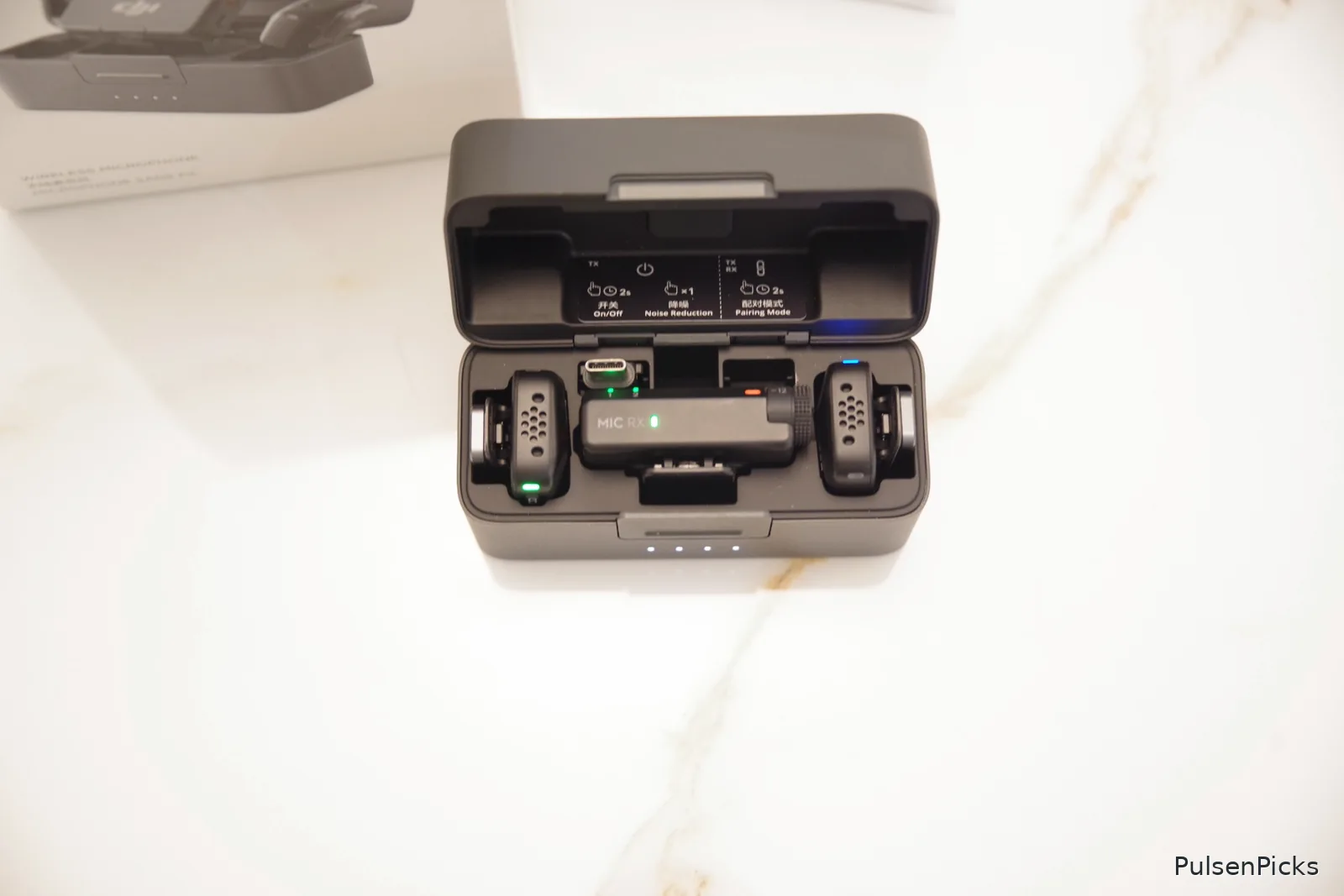
The DJI Mic Mini delivers a lot of convenience in a tiny package: two-person recording, a lightweight magnetic design, manual receiver gain control, windscreens, noise cancellation, and flexible connectivity. The biggest compromises are no internal audio recording and no receiver display. For typical everyday content creation, I think it’s a very strong value.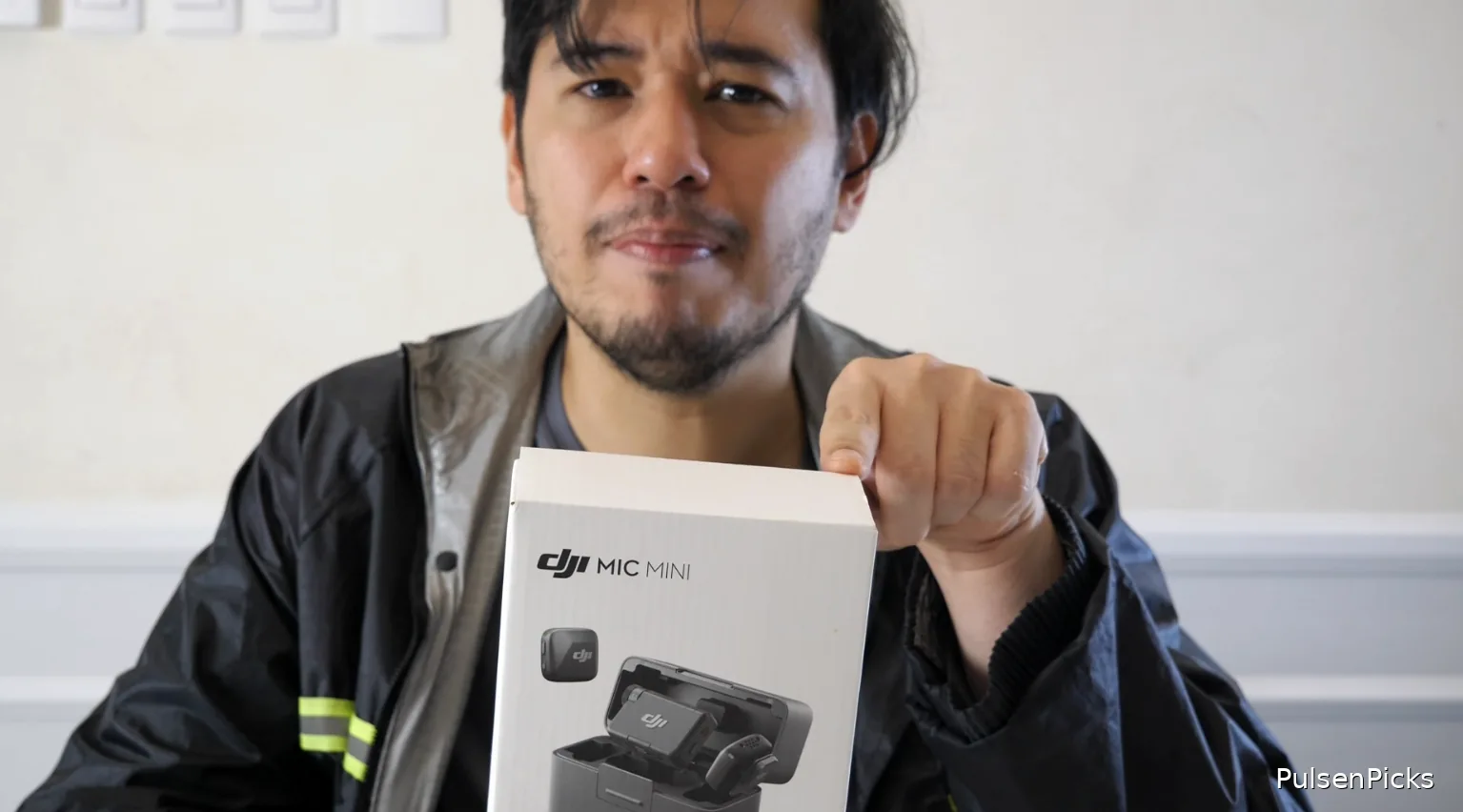
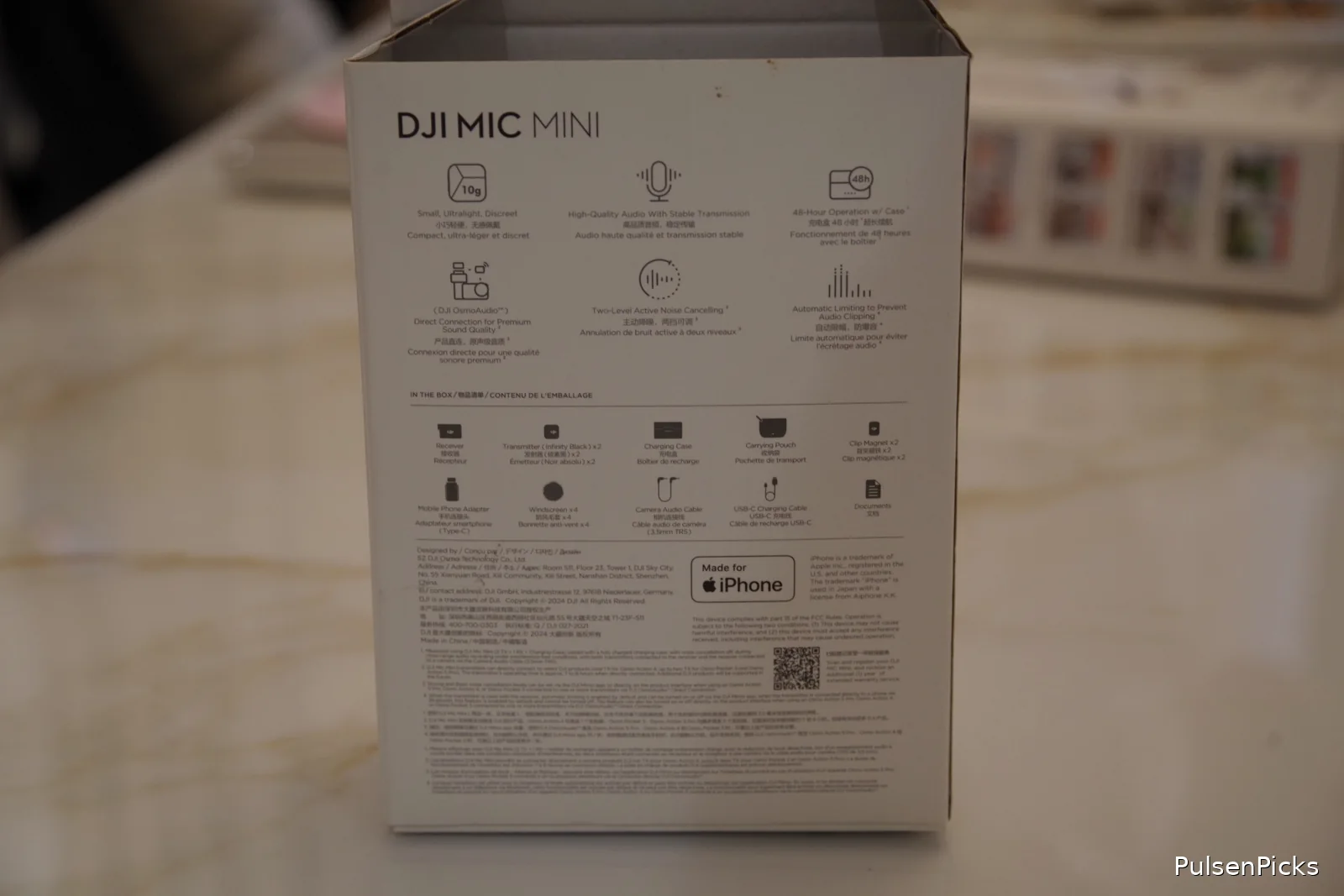
📦 What’s in the Box?
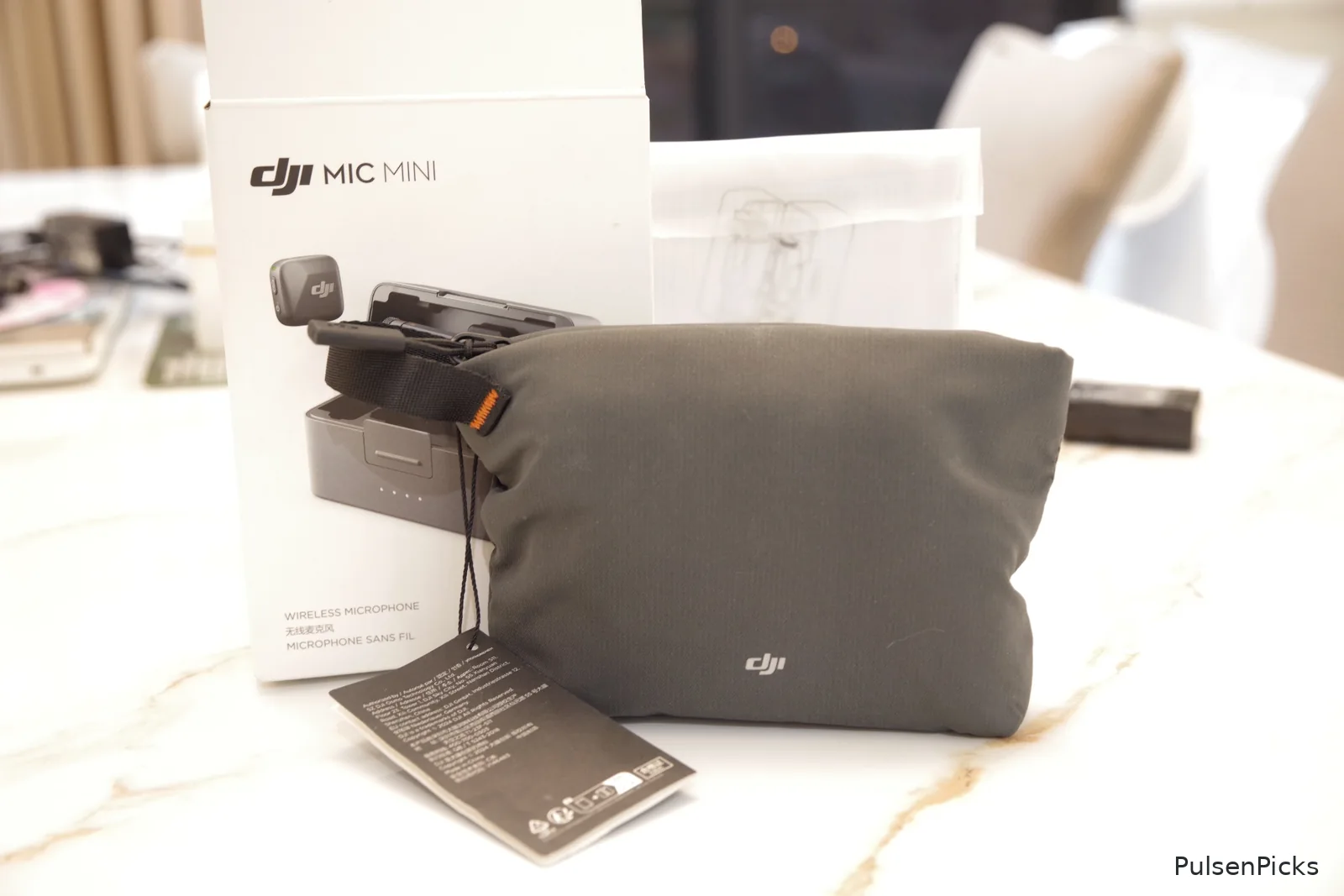
For this review I’m discussing the two-transmitter, one-receiver (2 TX + 1 RX) bundle. The transmitters are small and discreet, and the package includes magnetic attachment accessories and wind protection. Check the exact listing’s contents before ordering: charging cases, adapters, and some accessories differ between bundles. A single-transmitter kit is not the same package.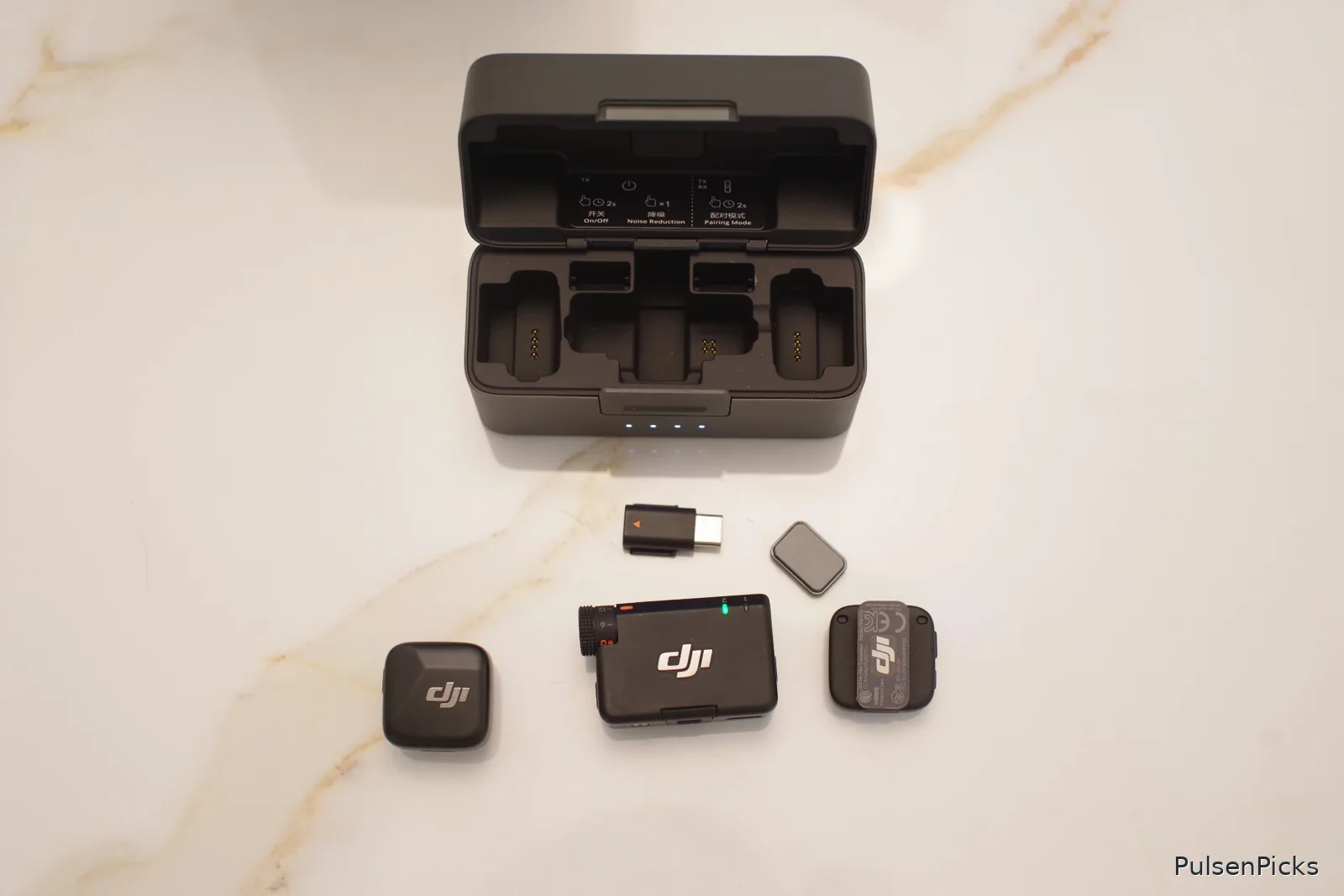
✅ Pros: What I Like
🎙️ 1. Two Transmitters and One Receiver
With two transmitters, recording a conversation or interview is easier. If you make videos with a guest, you don’t need to pass one microphone back and forth. That makes the DJI Mic Mini especially practical for interviews, collaborative videos, and on-location reviews.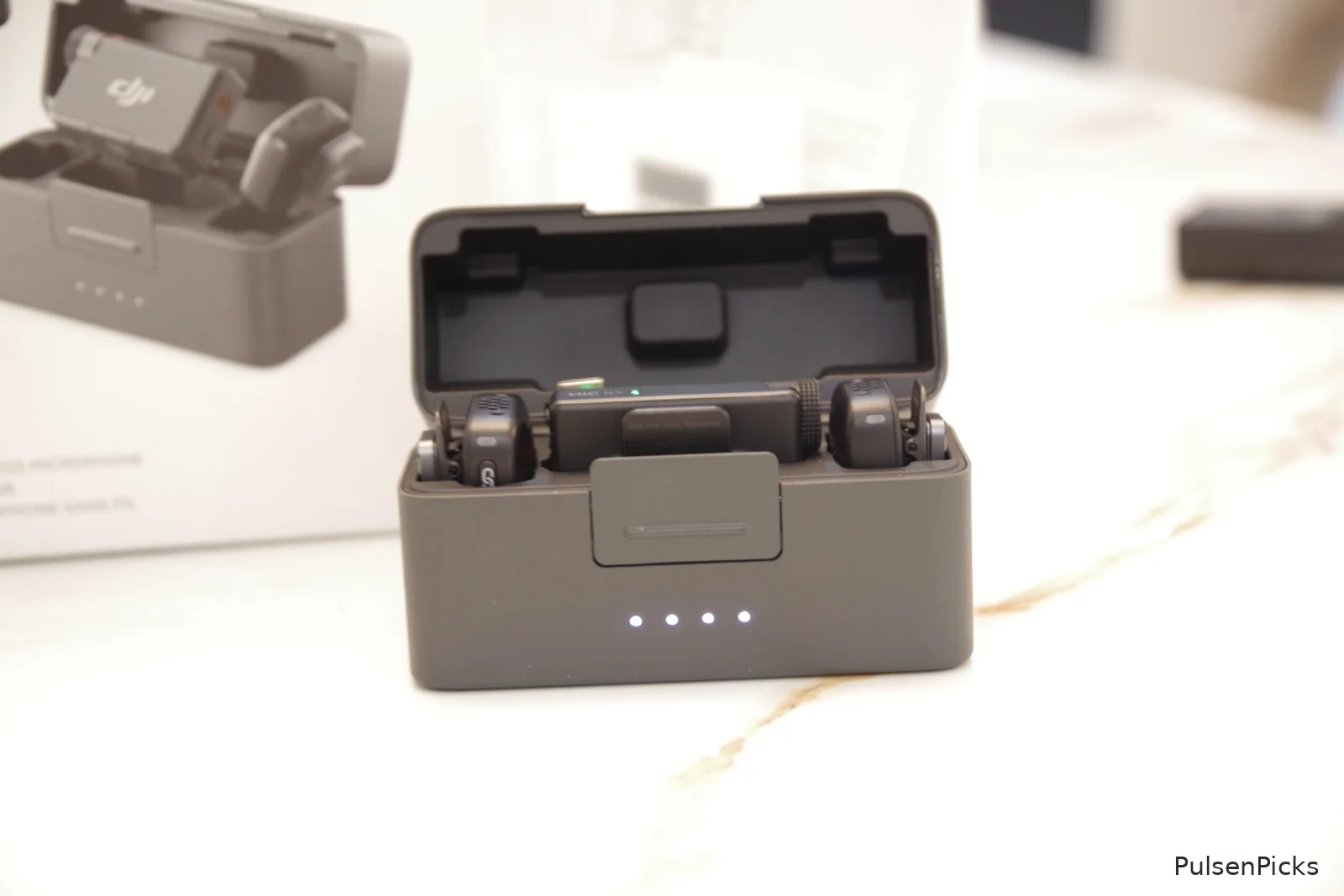
🎚️ 2. Physical, Manual Gain Adjustment
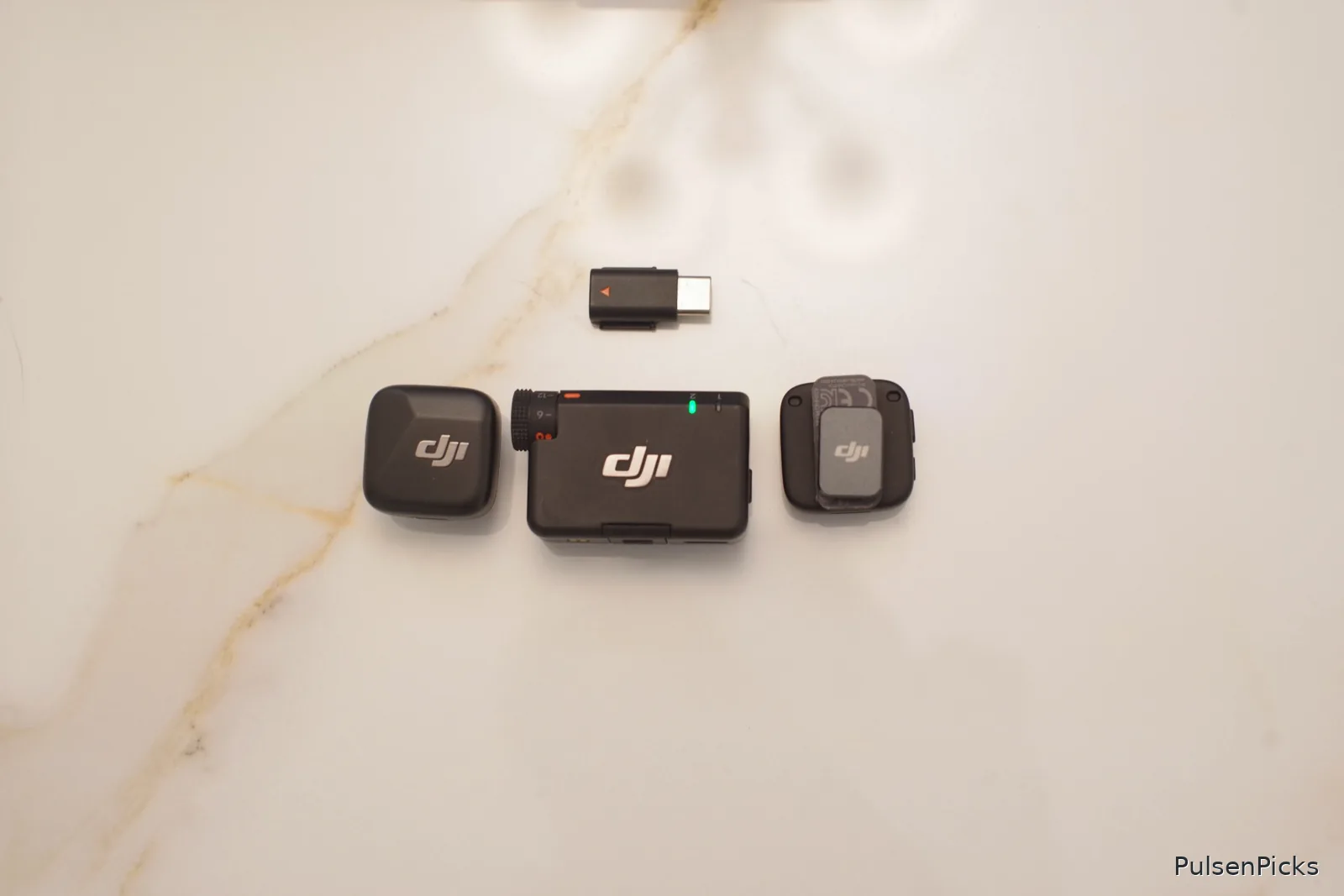
I appreciate being able to adjust receiver output gain manually in dB using its dial. It’s a practical option when people have different speaking volumes. You still need to check your camera or recorder’s levels—turning a dial doesn’t automatically fix every noisy or clipped recording.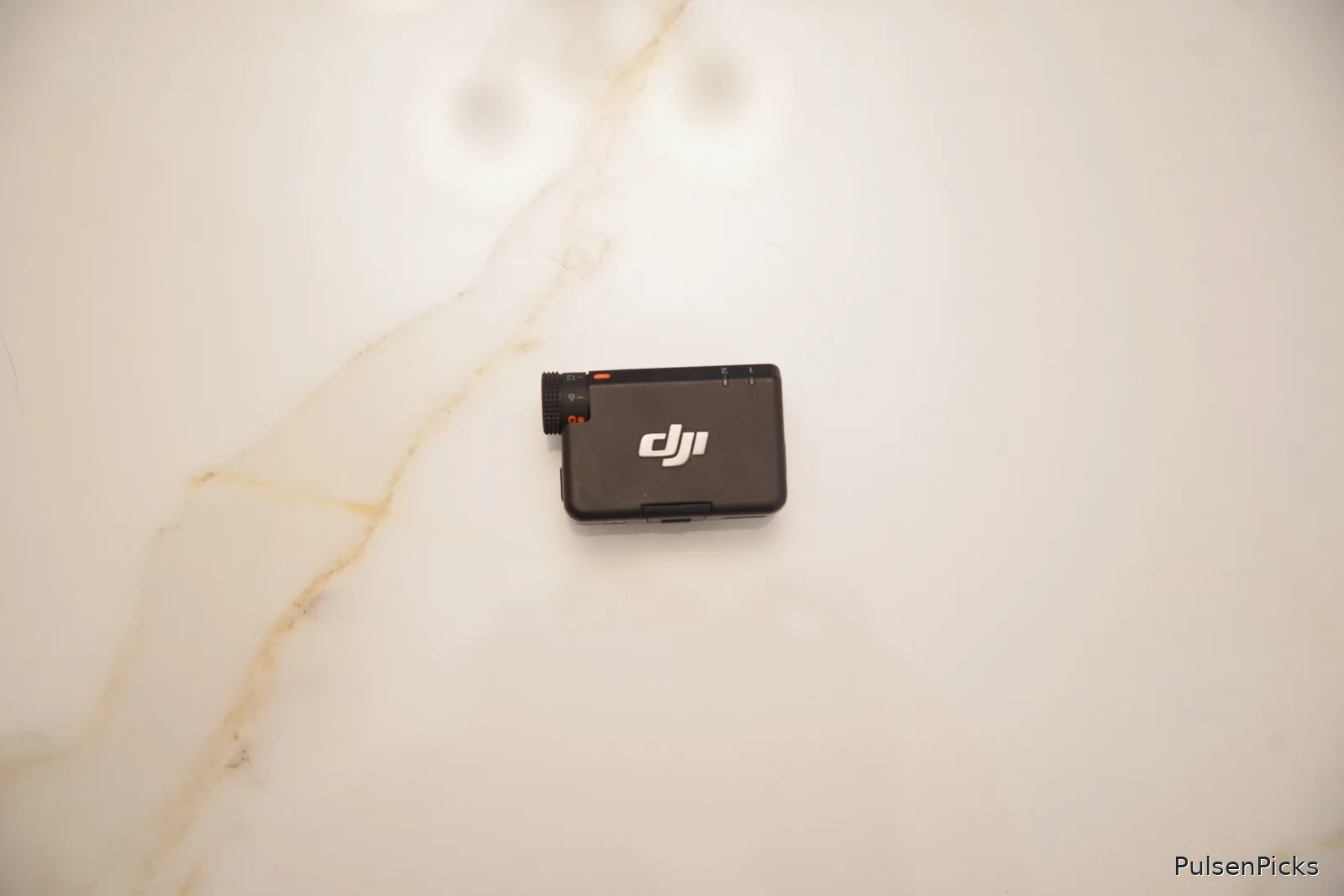
🧲 3. Magnetic Shirt Attachment
This is one of the most convenient details. You don’t have to tightly clip a chunky device onto the collar and leave the fabric crumpled. The magnet lets you place the transmitter more discreetly, while the regular clip is there when that’s easier.🪶 4. Tiny, Lightweight Transmitters
Each transmitter weighs about 10 grams, according to DJI. That is refreshingly light for on-camera work, especially if you’re walking around filming or talking for long periods.🌬️ 5. Included Furry Windscreens
Those fuzzy covers aren’t just decoration. They help reduce wind hitting the microphone outdoors. For travel and street footage, that’s an accessory I’m glad to have in the box.🔊 6. Noise Cancellation and Automatic Limiting
DJI provides Basic and Strong noise cancellation modes, along with automatic limiting to help control peaks. It’s useful to have these tools available, though heavy processing isn’t always desirable if you’re trying to capture the most natural voice sound.🔋 7. Long Advertised Battery Life
DJI rates the transmitters for up to 11.5 hours and the receiver for up to 10.5 hours under its test conditions. The optional charging-case bundle extends total operating time through recharges. Your results will depend on usage, settings, and battery condition.📱 8. Different Ways to Connect
When I’m planning short camera videos, I care about audio compatibility as much as the camera body. My Panasonic Lumix G100 field photo story shows the sort of lightweight kit I like taking out; microphone connectivity still needs to be checked for the exact recording setup rather than assumed from a product advertisement.
The DJI Mic Mini can serve compatible cameras, phones, and computers using the proper connections. Certain DJI devices support direct wireless linking, too. It is flexible, but phone compatibility is something to check carefully.🔌 How to Connect the DJI Wireless Microphone
📷 To a Sony, Panasonic, Canon, or Other Camera
- Turn on the receiver and both transmitters. Units sold together are generally paired out of the box.
- Mount the receiver on the camera’s hot shoe or cold shoe.
- Connect the receiver’s 3.5mm output to the camera’s microphone input with the appropriate 3.5mm TRS cable.
- Choose the external microphone input on the camera, if required, and adjust recording levels.
- Set receiver gain and make a short test recording. Listen to playback before filming anything important.
📱 To an Android Phone or USB-C iPhone
- Attach the compatible USB-C phone adapter to the receiver.
- Plug the receiver into the phone and turn on the transmitters.
- Open an app that supports an external USB microphone.
- Record a sample and verify the phone selected the correct input.
🍎 To a Lightning iPhone
Use a compatible DJI Lightning phone adapter, which may be sold separately. Check the phone and adapter model before ordering.📶 Direct Bluetooth Connection
Compatible phones can connect to a transmitter over Bluetooth without the receiver. However, direct Bluetooth mic input doesn’t work universally with every default camera or recording app. I would check app support before depending on it.💻 To a Computer
Connect the receiver through a compatible USB connection, select it as your microphone in the computer’s audio settings or recording software, and test both channels before recording.❌ Cons: What Could Be Better
💾 1. No Internal Recording
This is the biggest limitation. The transmitters don’t have their own onboard audio backup. If the wireless recording fails, you won’t have a separate recording inside the transmitter to recover.🎚️ 2. No 32-Bit Float Internal Audio
Because it doesn’t record internally, you also don’t get the kind of 32-bit float onboard backup offered by some higher-end wireless systems. This matters most for unpredictable audio environments.📺 3. No Receiver Display
You get a physical dial and indicators, but no screen for detailed audio levels or settings. If you’re used to a receiver with a display, it might feel a little basic.🎧 4. No Dedicated Headphone-Monitoring Jack
Monitoring generally has to happen through your camera or the connected recording device.🧲 5. Tiny Magnets Are Easy to Misplace
Magnetic mounting is convenient until a small magnet disappears—especially in a home where cats think anything small is a toy. 😂🐱📱 6. Bluetooth App Support Is Inconsistent
Direct Bluetooth is handy on supported devices and apps, but the receiver is a more straightforward choice for many phone and camera workflows.🎤 7. No External Lavalier Input
You can’t plug a separate wired lavalier mic into the transmitter. You’re using its built-in mic, which is fine for many creators but less flexible for certain professional setups.Practical observations
Audio and connectivity: Two-person capture, adjustable gain and useful connection options. Direct Bluetooth use varies by device and app.
Portability and wearing: Two tiny transmitters with magnetic clips and wind protection are convenient for mobile filming.
Battery claims: Manufacturer figures are useful for comparison, but they are not independently measured endurance results in this review.
The compromise: No internal backup recording, external lavalier input or headphone monitor output.
Best for: vloggers, YouTubers, product reviewers, interviews, travel content, and everyday two-person recording. Biggest strength: compact convenience and features for the price. Biggest weakness: no backup recording in the transmitters.🏁 Final Verdict: Is It Worth Buying?
For me, the DJI Mic Mini gets the important everyday details right: tiny transmitters, convenient magnetic attachment, an adjustable receiver, and the option to record two people with one kit.It isn’t the right choice for every professional job. If missing one important recording would be disastrous, I’d strongly consider a microphone system with independent internal recording. But for normal content creation, this one makes an excellent case for itself.Where I stand: A strong fit for everyday creators who value small microphones and two-person recording; choose a system with internal backups when recordings are irreplaceable.🛒 Where to Buy
🇵🇭 Check DJI Mic Mini on Lazada
Please compare the exact bundle contents and warranty before checkout; prices and included accessories can vary by seller.
[…] the little Pentax Q10? You might also like my long-term Sony A77 II review, my DJI Mic Mini audio setup review, and my Undas photo walk taken with the Panasonic […]